How QR Codes Can Simplify Home Sample Collection for Diagnostic Labs
- Topic
- Technology
- Published
- Reading time
- 7 min read
By Phlebify Operations Team · Last updated
A patient wants a blood test at home. Traditionally the request starts with a phone call: the patient contacts the laboratory, someone records the details, the information is entered into a system, a phlebotomist is coordinated, and another call confirms the appointment.
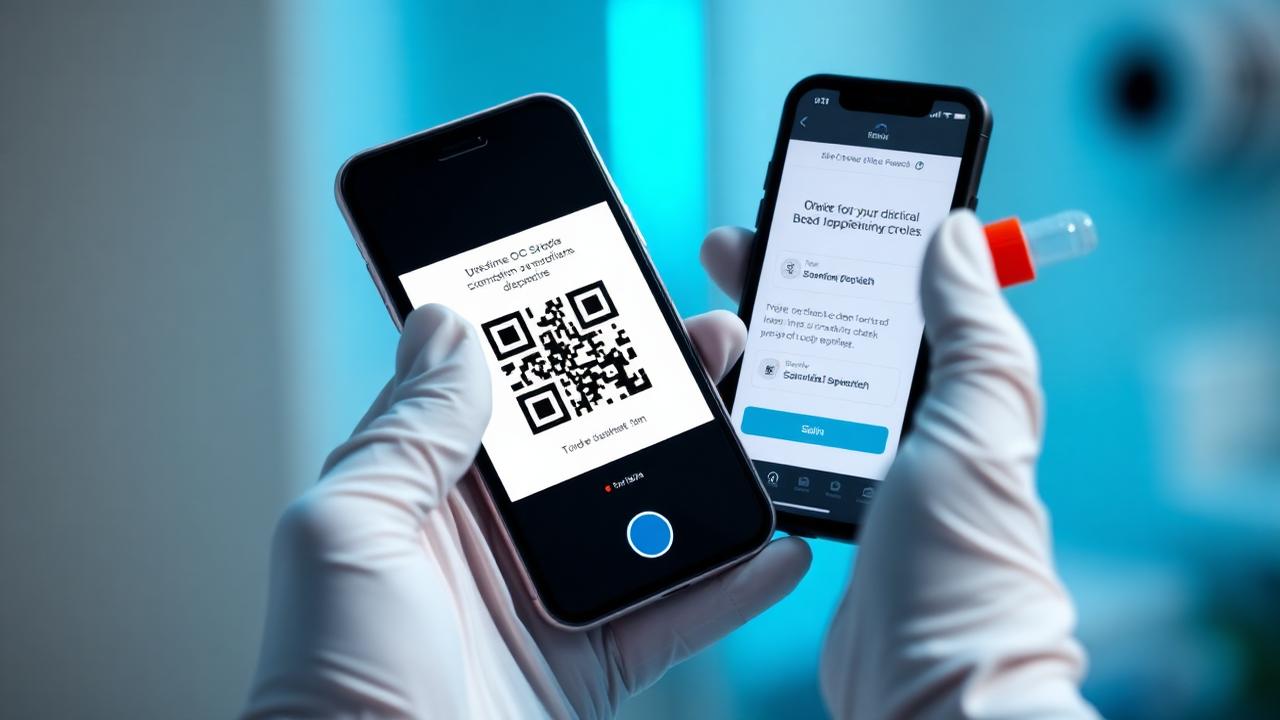
For laboratories handling many requests, that is a significant amount of manual work. QR-based booking offers another route — a patient scans the laboratory's QR code and starts the home collection request directly from their phone.
What is QR-based home collection booking?
A QR-based workflow gives the laboratory a code that opens its designated home collection booking page. It can be placed on:
- Reception and billing counters
- Prescription folders
- Patient reports
- Flyers and booking vouchers
- Tabletop displays and standees
- Posters and hospital counters
The patient scans with their phone and the booking journey begins digitally.
How the process works
A typical workflow looks like this, with fields configured to the laboratory's requirements:
- The patient sees the QR code and scans it
- The booking page opens in the phone browser
- The patient enters their details
- Required tests or information are selected where applicable
- The request is submitted
- A collection order is created
- Phlebotomist assignment begins
Why this is useful for laboratories
Four practical benefits show up quickly:
- Less manual booking — fewer requests need manual data entry, so intake moves from patient to phone call to staff member to system, to simply patient to QR to digital booking.
- Home collection becomes visible — a patient at the counter may not know home collection exists; a standee turns that touchpoint into a booking channel.
- A direct digital order — when the booking is wired into the collection workflow, the submitted request becomes an operational order rather than an email.
- Less friction — patients rarely want to install an app to schedule one collection, and a browser-based flow lets them start immediately.
QR booking is not only about the patient
A properly connected workflow gives the laboratory structured information rather than notes on a call:
- Patient details and contact information
- Collection address
- Requested date and preferred time
- Specific collection requirements
That information then moves into the existing order workflow.
What happens after the order is submitted
The QR booking should not exist as an isolated system. The architecture that works is a single chain:
- QR booking submitted
- Collection order created
- Laboratory visibility on the order
- Phlebotomist assignment
- Collection at the patient's home
- Sample movement to the laboratory
- Laboratory receipt and accessioning
That makes the QR code an intake channel rather than another disconnected booking tool. See collection tracking.
Patient communication after booking
A digital booking flow can also give patients a way to communicate about their specific collection. After submitting the request, the patient can access a conversation tied to that collection.
The patient may ask to change the collection time or correct an address, and the message can be routed to the appropriate laboratory or operations team — without a separate app for a single collection.
Where laboratories can use QR codes
- Reception — patients scan while completing their visit
- Reports — a code included with physical reports where appropriate
- Prescription folders — patients discover home collection after a consultation
- Flyers and vouchers — distributed booking material
- Tabletop displays — a standee at the reception or billing desk
- Corporate health camps — participants scan to request future home collections. See corporate health camps.
What makes a good laboratory QR campaign
The code is only one part of the system. The physical material should answer four questions clearly:
- What is this? Home sample collection
- What should I do? Scan to book
- Why should I do it? Convenient blood sample collection at home
- Who provides it? The laboratory's own name, with "Powered by Phlebify" where relevant
The code should also be large enough to scan reliably from the distance patients will actually stand at.
Final takeaway
QR codes are often treated as simple marketing assets. For diagnostic laboratories they can be something more useful: a digital entry point into the home sample collection workflow.
Connected to the underlying collection infrastructure, a patient scanning a code at the counter moves straight from a physical laboratory touchpoint into a structured digital collection process.
Frequently asked questions
Can diagnostic labs use QR codes for home sample collection?
Yes. A QR code can direct patients to a dedicated digital booking workflow for home collection.
Does the patient need a separate app?
A browser-based QR booking experience can allow the patient to submit a request without downloading a dedicated application.
Can the QR code be used on flyers and standees?
Yes. QR codes can be placed on physical marketing materials such as flyers, vouchers and tabletop displays.
Can QR bookings appear in the laboratory's order workflow?
When the QR system is integrated with the collection platform, the booking can create a structured collection order for the laboratory.
Can the laboratory keep its own branding?
Yes. A white-label or co-branded workflow can keep the laboratory as the patient-facing brand while the underlying infrastructure is powered by Phlebify.
Related reading
- Home sample collection service
- Collection tracking technology
- How AI dispatch improves home collection
- Outsourcing home sample collection
Browse every article in the Phlebify diagnostic operations blog.